
Bambu Lab P1S: My Leap into 3D Printing
Join me as I explore the Bambu Lab P1S and dive into the fascinating world of 3D printing. A DIY project begins!
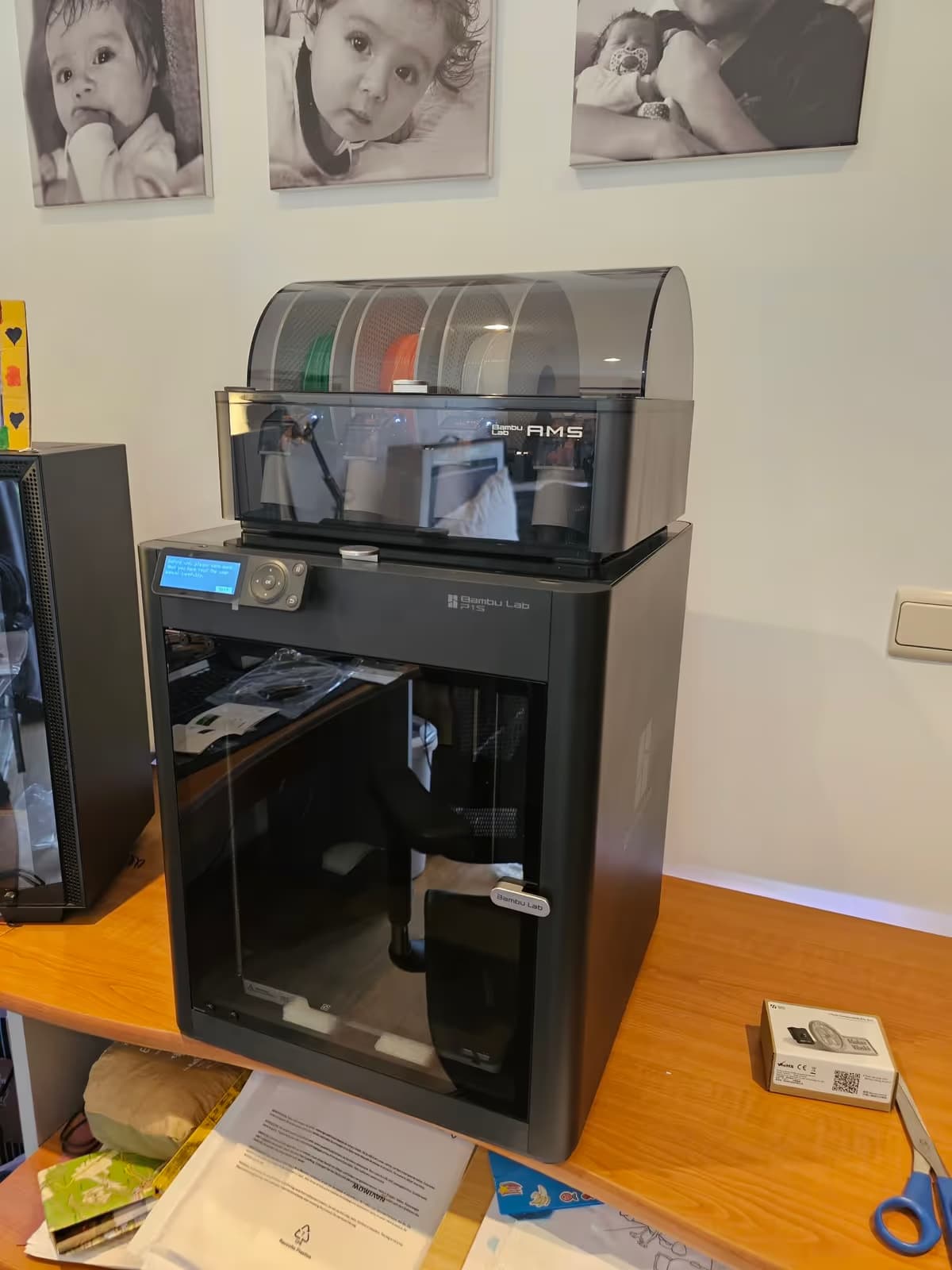
I'm diving into 3D printing with the Bambu Lab P1S
3D printing has always intrigued me. This blend of screen modeling and holding a real object in your hands is a bit magical. And of course, with my DIY side, I wanted to get my hands on it sooner or later.
I've always loved making things myself, especially with wood. But now, I wanted to go further, to create more precise, complex, custom pieces. And above all: to be able to easily recreate them in case of breakage. Typically, the handle of my fridge has been broken for a while... well, it's finally going to get a second life. And this is just the beginning.
Lots of projects in my mind
Among the things that motivate me, there's one project I want to do from start to finish: a connected chicken coop door. Motor, sensors, electronics, printed housing... everything. I really want to push DIY to the limit.
And of course, a 3D printer also offers the possibility of creating custom parts, adapters, supports, fixtures, tools... In short, everything you can imagine and can't find in stores. It opens up a whole new world.
Why the Bambu Lab P1S?
I hesitated quite a bit before diving in. I watched a lot of videos, comparisons, forums... and in the end, I chose the Bambu Lab P1S.
First, because Bambu Lab, is a brand that aims to simplify entry into 3D printing. No need to spend hours tweaking the machine, fiddling with the firmware, or struggling with the print bed. It's ready to use, fast, precise, and well-designed.
Then, I chose the P1S (and not the P1P) because it is enclosed, which allows printing with more demanding materials like ABS or ASA. And since some of my pieces will end up outside, I needed a machine capable of handling that.
My first print: a fridge handle
For my very first project, I wanted to start with something concrete: replacing the broken handle of my fridge. Nothing revolutionary, but it's exactly the kind of piece that's hard to find in stores.
I opened Fusion 360 and modeled the handle based on the dimensions I took directly from the door.

Step 1: the prototype

Since I wasn't sure I had the right dimensions on the first try, I printed a simplified first version, just to validate the alignment of the holes, the thickness, and the length.
The prototype did its job: it fit almost perfectly, but I noted a few adjustments to make.
Step 2: the final version
Based on this, I modified the model: slight adjustment of the fixtures, rounded edges for better grip, and a little chamfer here and there to avoid sharp edges.
And there we go, printing the final version! Result: a perfectly functional handle, solid, and with a little personal touch to boot.


Conclusion
In just a few hours – and I mean less than the number of fingers on one hand – I had unboxed the printer, made the basic adjustments, modeled a piece, started the print, and installed my new fridge handle.
Honestly, I was blown away by the ease and the quick setup of the Bambu Lab P1S. For someone starting in 3D printing, it's incredibly reassuring. No need to be an expert or spend evenings tweaking every little detail: it just works, plain and simple.
And this is just the beginning. Between the pieces to repair, the accessories to design, and smart home projects like the chicken coop door, I feel like this printer is going to be busy!
